

Open Contacts
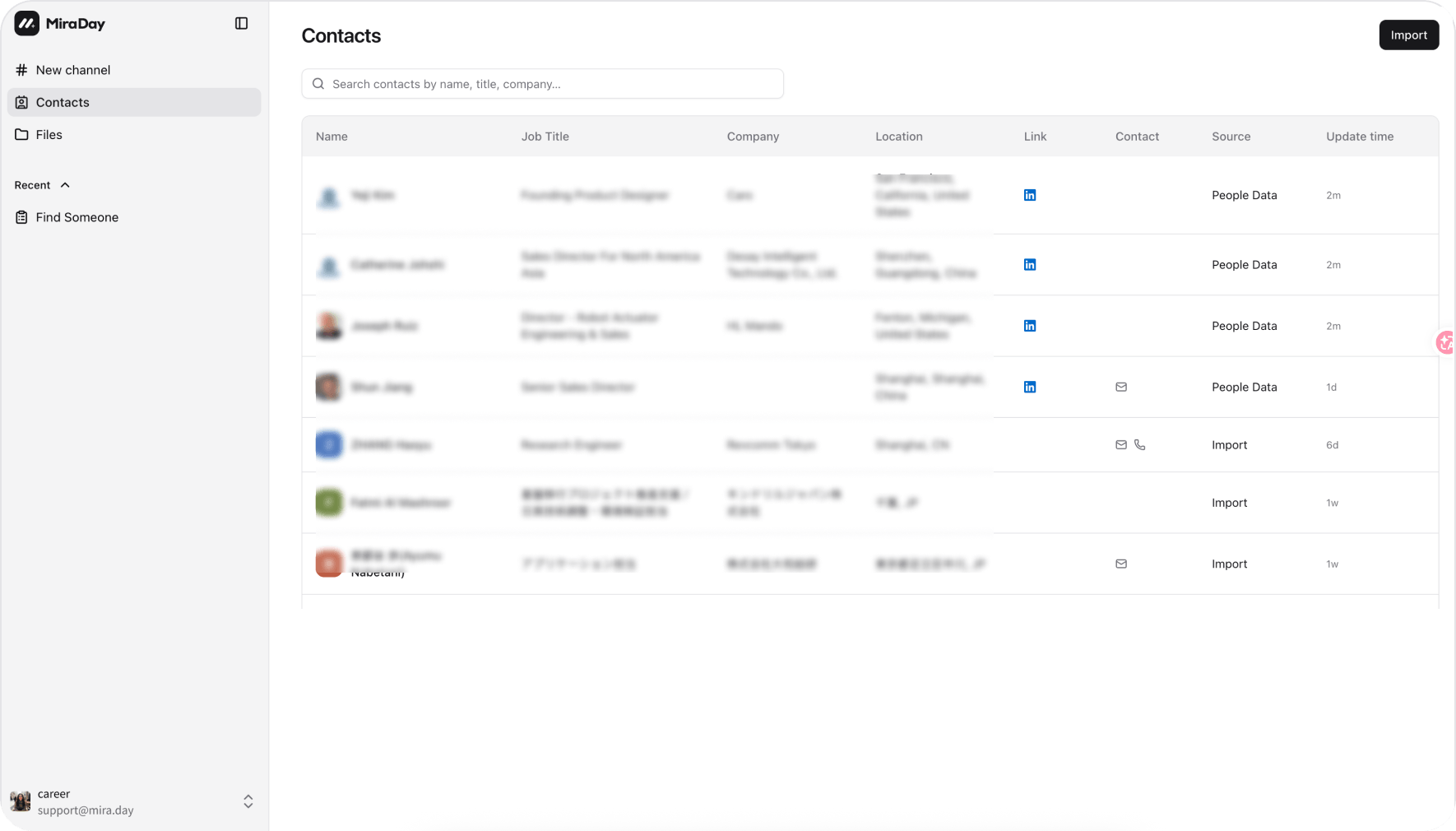
Open Contacts from the sidebar. The page lists everyone you’ve saved, with a search box and a table you can scan.Add people to Contacts
There are three ways someone lands in your list:- From a search. On a candidate in your results, click Add to contacts. To save several at once, select the ones you want with their checkboxes and add them together.
- Import your own files. Click Import and drop in PDF, Word, Excel, CSV, or HTML files (up to 10 files, 10 MB each). Mira parses them (usually 5–30 seconds), shows you a preview of what’s valid, duplicated, or failed, then imports in the background so you can keep working; the contacts that come through are ready to use right away.
- From the browser extension. Candidates Mira finds through the Mira Browser Extension can be saved the same way.
The contact list
Inside a contact
Click a contact to open their full profile:- Contact details. Email and phone. Click Get email or Get phone to reveal them on demand (each reveal uses credits), then copy them.
- Profile. Experience, education, skills, languages, and, where the data exists, GitHub activity, publications, and social links.
- Enrich. Click Enrich, review the estimated credits, and click Start. Mira works in the background (usually 10–60 seconds). If it finds updates, Review enrichment changes lets you pick what to keep and click Apply selected; if nothing changes, you see an up-to-date notification instead. A contact needs a LinkedIn URL or email before it can be enriched.
Search your own contacts
In a channel you own, ask Mira to search your saved or imported contacts, on their own or alongside public sources. Mira evaluates and returns them as candidate cards, with existing email and phone details where available; access to your private contact library is limited to channels you own.Notes
Jot down anything you want to remember about a person, so your context on each contact stays in one place. You can also remove a contact from your list at any time.What’s next
- Inside a Candidate Profile: how to read a candidate before you save them.
- Export & Share: export the candidate data file from a search.
- Connectors: connect Gmail or Outlook to work with email in a channel.