

Step 1: Sign up
Go to mira.day and click Start for free. You’ll see the Sign in or Sign up screen, with three ways to create your account:- Continue with your Google account.
- Continue with your Microsoft account.
- Sign up with your work email. Enter your email and click Continue, then create a password with at least 8 characters, including letters, numbers, and a symbol, and click Continue again. If your company uses single sign-on, MiraDay detects it and sends you to your company’s sign-in instead.
Step 2: Verify your email
If you signed up with email, MiraDay sends a verification code to that address. Enter the code to confirm your email. A verification code only confirms your address, it isn’t how you sign in later.Step 3: Tell us a little about yourself
Before you start, MiraDay asks a few quick questions on one screen:- What’s your name? Your first and last name. If you signed up with Google or Microsoft, these are filled in from your account.
- What best describes your role?
- How did you hear about MiraDay?
- Add your LinkedIn profile (optional).
Step 4: Start sourcing
You’ll land on the New channel screen, ready to create your first sourcing task. For later sign-ins, go to mira.day and click Log In.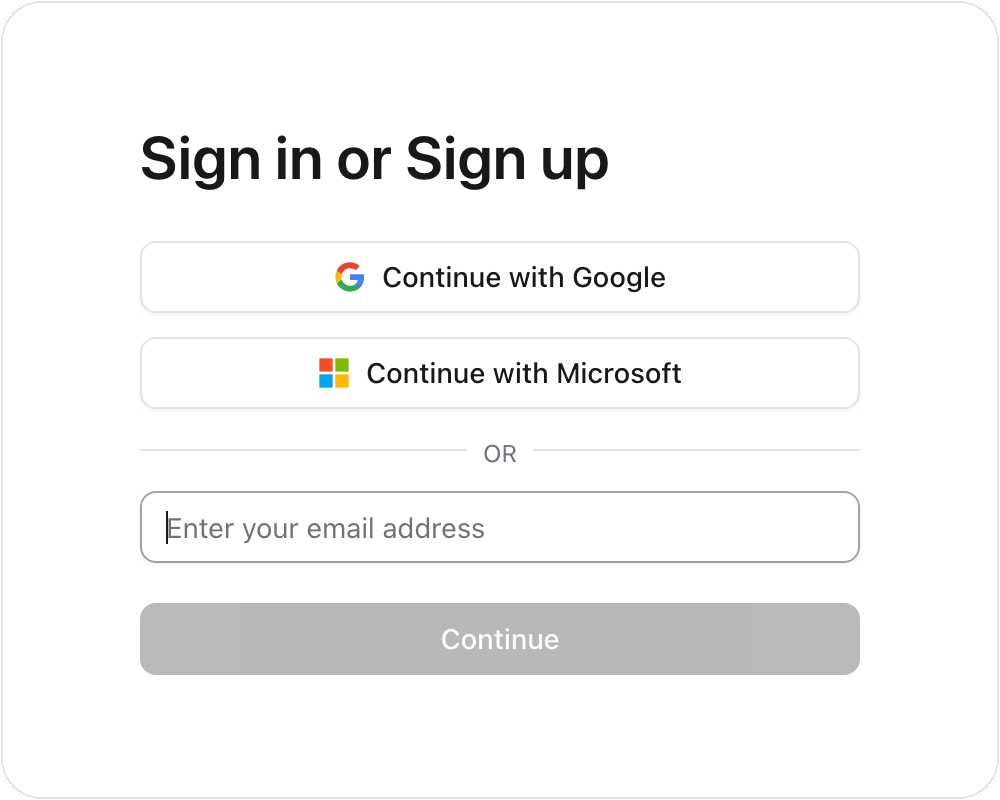
Choose your language
MiraDay is available in multiple languages. Pick your language from the selector on the sign-in screen, or change it anytime from the user menu at the bottom of the sidebar.What’s next
- Run Your First Search: Open a channel, describe a role, and review your first candidate pool.